
It eats on a real clock.
Meals arrive at real times of day, whether you open the app or not.
- 07:30Breakfast
- 12:30Lunch
- 16:00Snack
- 19:00Dinner
Chew it or wolf it?
Every meal is a choice. Your butt lives with it for hours.
Five things to keep alive.
- Microbiome
- Hydration
- Fiber
- Comfort
- Butt HP
Let one slide and you will hear about it. Usually at the worst possible moment.
Then Friday happens.
Fri 18:00
Beer. Twice. Brace yourself.
Fri 21:00
A whole pizza. Obviously.
Sat 02:00
Kebab. At two in the morning.
Sat 20:00
Hot wings and two more beers.
You survived the weekend.
Weekend Warrior unlocked. Now drink some water: Saturday’s hangover hits hydration hard.
Seven mini-games for when it all goes wrong.
-
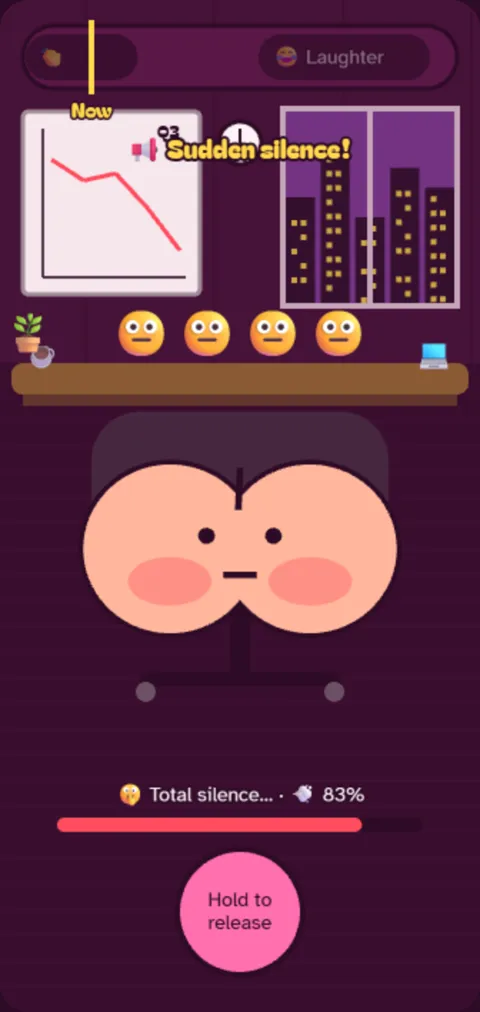
Gas Release
Hold it in. Let it go while something loud covers you.
-
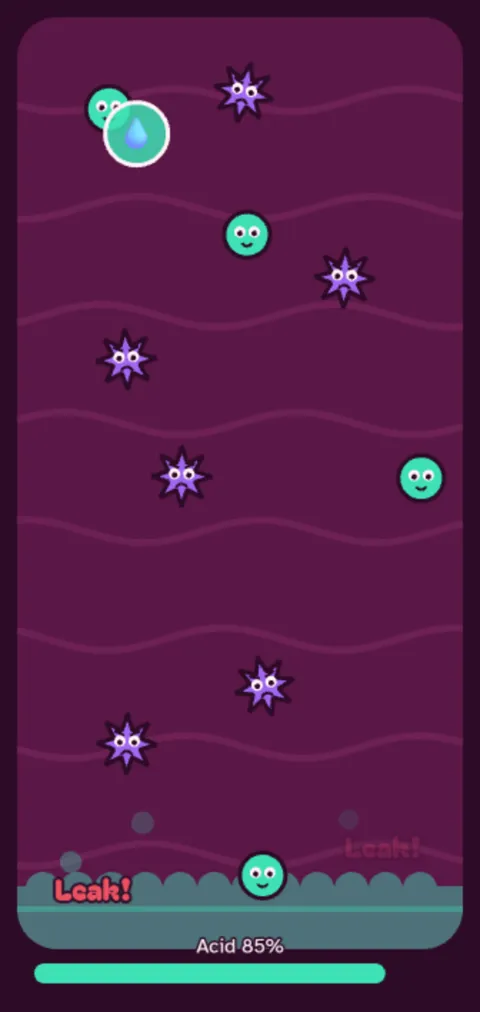
Acid Attack
Zap the spiky germs. Spare the friendly ones.
-

Chew Rhythm
Tap as each bite reaches the teeth.
-
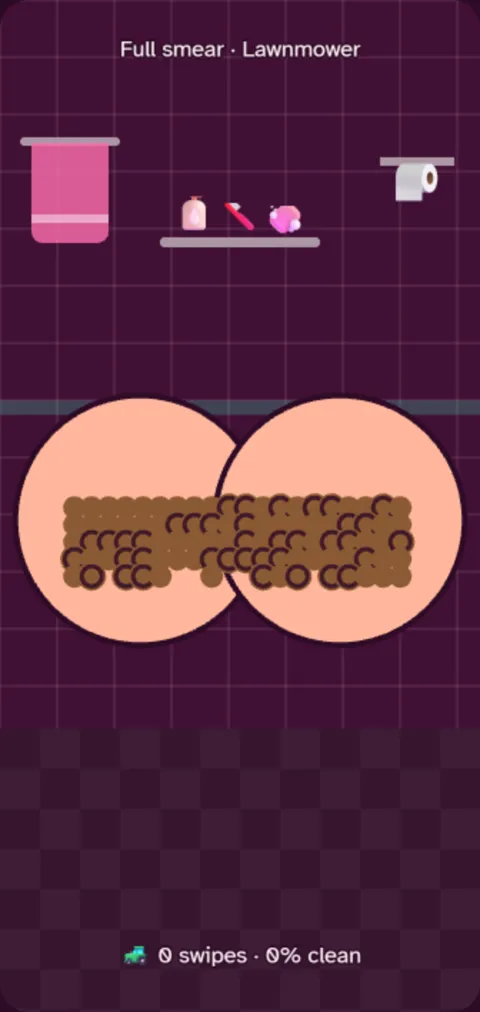
Wipe Rush
Swipe until clean. Every swipe costs a sheet.
-
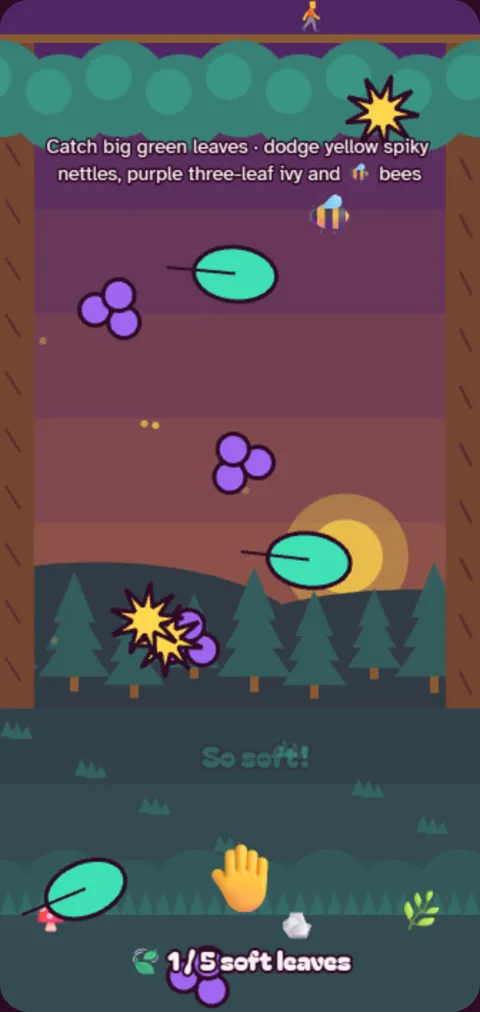
Leaf Picker
No TP in the woods. Catch the soft leaves.
-
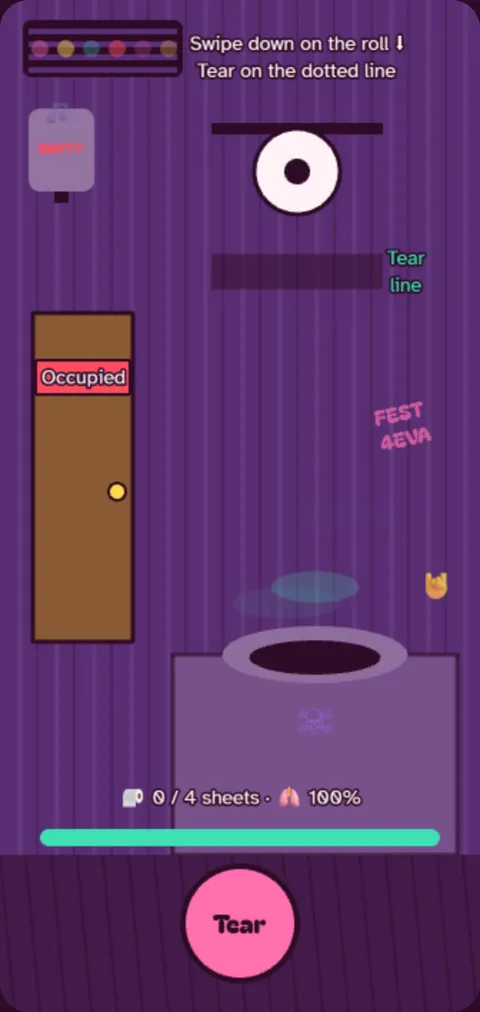
Porta Panic
Unroll, tear on the line, mind the flies.
-

Powder Pat
Pat each sore spot gently. Twice.
Make it yours.
Skins and outfits unlock as you level up.
- Disco + party hat
- Space + astronaut helmet
- Tattooed + pirate hat
- Hairy + top hat
- Sunburnt + cool shades
Record your own fart.
Fart Studio turns your sound into small, medium and catastrophic versions, right on your phone. From then on, that is the sound your butt makes.
The boring bits, honestly.
- No account
- Open it and play. Nothing to sign up for.
- Your recordings stay put
- Fart sounds are stored on your phone and never uploaded.
- Works offline
- Once installed, it runs without a connection.
- No ads
- Nothing to skip, nothing to buy.
- Real gut facts
- Learn mode explains digestion, with sources. Fun facts, not medical advice.
Your butt is waiting.
How to install
iPhone & iPad
- Open the game page in Safari.
- Tap Share (the square with the arrow up).
- Scroll down and tap Add to Home Screen, then Add.
- Open Gasstronomy from your home screen.
Alerts only work in the installed app (iOS 16.4 or newer).
Android
- Open the game page in Chrome.
- Tap the ⋮ menu, then Install app (or Add to Home screen).
- Confirm with Install.
Samsung Internet: open the same page, then tap the install icon in the address bar, or Menu → Add page to → Home screen.
Chrome on Windows, Mac, Linux or ChromeOS
- Open the game page in Chrome.
- Click the install icon at the right end of the address bar.
- No icon? Open the ⋮ menu and look for Install Gasstronomy (under Cast, save and share in newer versions).
- Confirm with Install. It opens in its own window.
Edge on Windows or Mac
- Open the game page in Edge.
- Click the App available icon in the address bar.
- No icon? Open the ⋯ menu, then Apps → Install this site as an app.
- Confirm with Install. You can pin it to the taskbar or Start.
Safari on Mac
- You need macOS Sonoma or newer.
- Open the game page in Safari.
- In the menu bar, choose File → Add to Dock.
- Click Add. Gasstronomy opens from the Dock like an app.
Firefox
- On Android: open the game page, tap the ⋮ menu, then Install (or Add to Home screen).
- On a computer: Firefox can't install web apps like Chrome or Edge do. Play on the game page in a tab and bookmark it, or install from Chrome or Edge.